Coaches
Review the last match through its moments, prepare the next one with a scouting sheet, and keep one sheet per player you train.
Opens first: Moments · Scouting
AI-powered computer vision game analysis
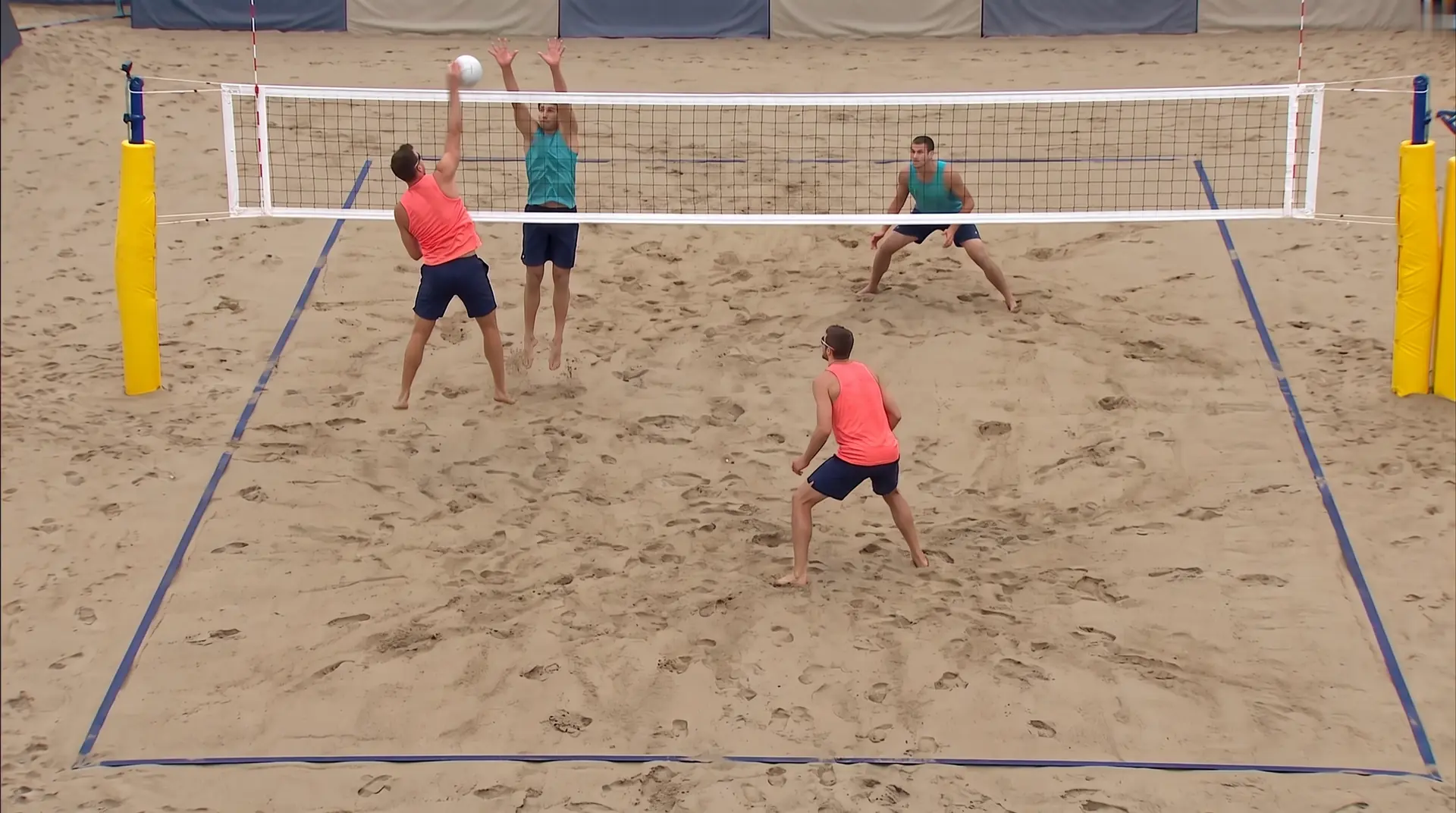
What happened in this rally?
Players, ball, actions and positions arrive on the video one layer at a time, the way the match screen shows them.
Upload a match filmed with a single camera. Our AI and computer vision models find the four players, the ball, every contact and every rally, then lay the match out player by player, on a 2D court. You tag nothing by hand: you review, you correct, and Vision runs again with your corrections.
Free during the betaAccess on request, for coaches, clubs and teams.
Set 3 · Noa & Iris: a run of 4 points in a row.
Before Vision
The match is filmed. Then comes the long part: watching it again, pausing on every rally, writing each serve down, scrubbing back to the block you wanted to show. Hours of video, read by hand. Vision reads it for you.
By hand
Scrub through the whole video to find one rally.
With Vision
Every moment and every rally opens the video at the right second.
By hand
Write every serve down on paper, rally after rally.
With Vision
Every serve and every attack drawn on a court, player by player.
By hand
Count the touches of each player by hand.
With Vision
Serves, receptions, attacks and blocks counted for each player, ready to export.
One rally, layer by layer
Each step adds a layer to the video, from the players to the score.
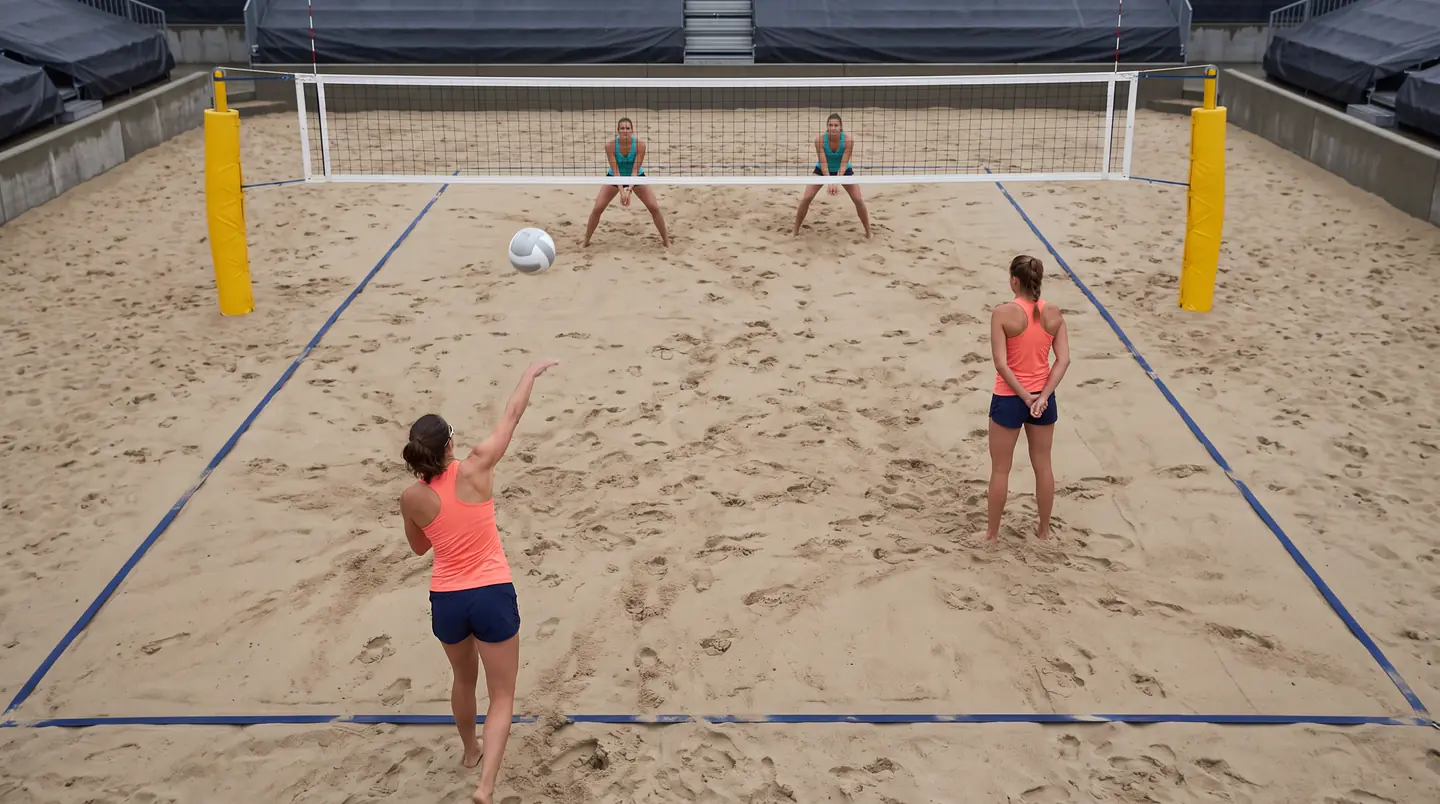
1 Players
Vision detects the four players and follows each one through the rally, with a colour and a number that stay the same on the video, the court map and every stat.
2 Skeleton view
The models follow each player's body frame by frame and draw it as a skeleton over the video, so you see the posture behind every contact.
3 Ball
The algorithm detects the ball and follows it in the video.
4 Actions
Vision recognises each contact, names it (serve, reception, set, attack, block, defence) and gives it to a player.
5 Live positions
Each detected player is placed on a 2D court, so the live positions map shows the four players at every moment of the rally.
6 Rallies and score
Vision cuts the match into rallies and finds who won each one. Every rally sits on the match strip, coloured by the winning team, and the score follows.
Try the match screen
Pick an action in the list or on the strip: the view jumps to that moment and shows who touched the ball. On the match screen, every contact of the match works this way and opens the video at its second.
Rally 17 · 38:42
Serve · Noa
Illustrations of an imaginary match. In Vision, it is the video of your match.
One match, read for you
Every section of the match screen opens on a question like these, and answers it on a court.
One arrow per serve, from the server to where the ball was taken. Switch to reception: each line runs from the ball taken to where the next ball was played, coloured by the point won or lost, with the setter's run dotted behind it.
Pick one player or several: the court redraws with their serves only.
How far the setter had to move to play the ball after each reception, measured on the court.
Every reception line carries the outcome of its rally, so the weak side of the court shows up by itself.
Two dots per attack: where it was hit, and where the opponent answered. One marker per block, at the blocker's contact along the net, joined to the attack it stopped.
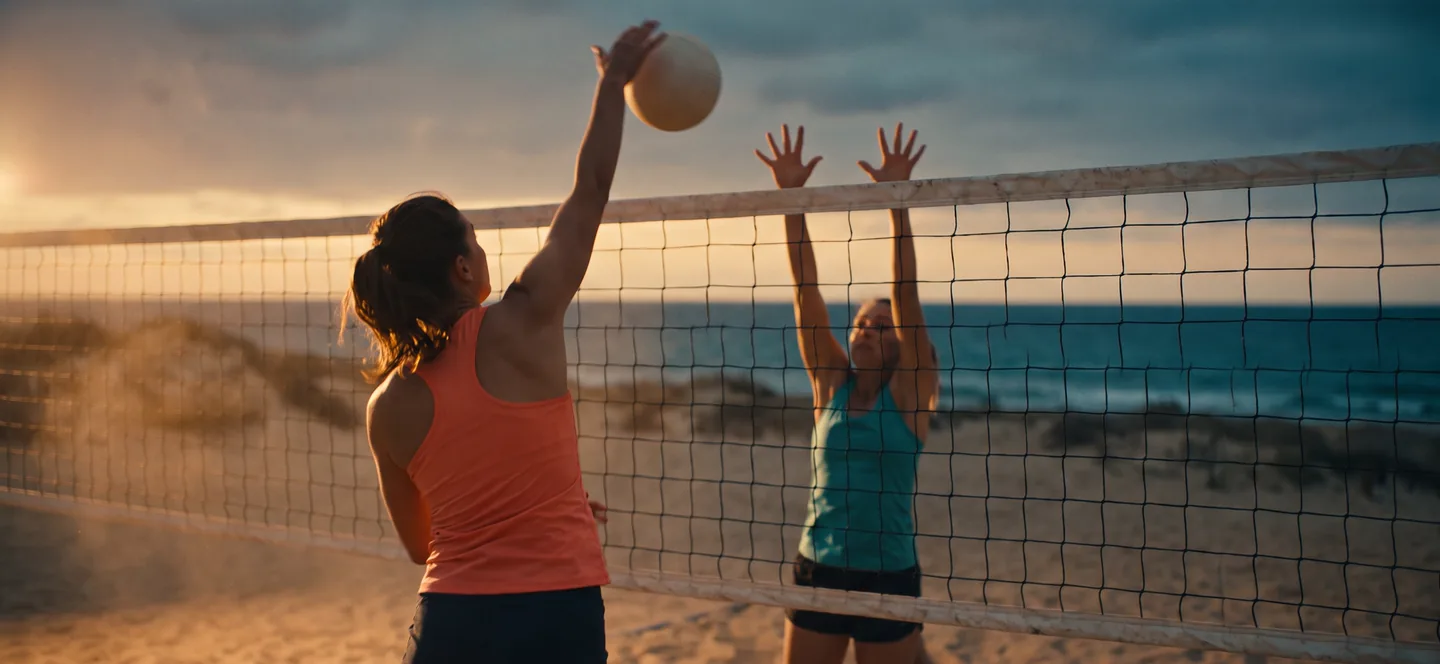
From the hit to the first answer on the other side, for each player, on one court for the whole match.
Where along the net each block happened, and which attack it stopped.
Read the four players together, or pick one and the court redraws with their actions only.
The moments worth replaying come first: blocks, scoring runs, the longest rallies, each one a click from its clip. Underneath, the whole match is written out rally by rally, contact by contact, with the time it happened.
Rally 5 · 1:11
Serve · Tess → Reception · Noa → Set · Iris → Attack · Noa → Attack · Lou → Block · Iris
Every moment and every rally opens the video at the right second.
Serve, reception, set, attack, block: who touched the ball, and when, for the whole match.
Download the match without the breaks you chose to skip.
Where each player moves on the court, rally by rally. Drag to replay. Distances come out in metres, for one rally or added up over the whole match.
Distance covered in the selected rally.
The four paths drawn on the court, the way you would sketch them on a whiteboard, but measured.
Per rally and per match, player by player.
No sensor, no wristband, no marker. Everything comes from the video.
For each receiver, the share of points their team wins when they take the serve. The lowest one is the target. Next to it, where the match turned: lead changes, scoring runs and how each set finished.
Points won by Tess & Lou when each of them receives.
Every share comes with the number of rallies behind it, so you know what you are reading.
Lead changes, the longest scoring run and the last points, set by set.
Read the whole match, or one set at a time.
You stay in charge
Vision detects, you coach. Every action it detects sits at its moment in the video, and you can change it from the match screen. Your corrections go back into the analysis, and the numbers follow.
Every contact opens the video at its second.
The action, the player or the moment, tagged straight from the match screen.
One button sends the match back with your corrections in it.
Fix the action, the player or the moment from the video, then run the match again with your corrections in it. Name each player once in your player book, and every match they appear in feeds the same sheet.
The action, the player and the moment, tagged straight from the match screen.
One button sends the match back with your corrections, and the numbers follow.
Assign a player once and every match they play adds to their sheet.
Every match you upload adds up: a sheet per player, your pairs and the pairs you face with the results you declared, a season trend with one point per match, and a scouting sheet on the pair you play next, on one A4 page.
One point per match.
| Player | Serves | Attacks | Won receiving |
|---|---|---|---|
| Tess | 61 | 58 | 9 of 17 |
| Lou | 57 | 66 | 15 of 19 |
Made to be printed in black and white and taken to the game. It refreshes itself when a new match against that pair is analysed.
Serves, receptions, attacks, blocks and ground covered, summed across every match of that player.
Every pair the analysis has seen, with the results you declared after each match.
Rallies, serves and attacks of any match, exported as CSV.
How it works
One fixed camera behind the court, slightly raised, the whole court in frame from the first serve to the last point. Working from a TV broadcast? Vision suggests the camera changes and broadcast segments to cut, you confirm.
Your setup is saved as you go: stop, and finish it later.
Upload the file, name the four players, place the court points on one frame, say where the sets start and who serves first.
The analysis takes 15 to 30 minutes once you launch it. The status updates by itself, step by step, and the match opens when it is ready.
Who it is for
Review the last match through its moments, prepare the next one with a scouting sheet, and keep one sheet per player you train.
Opens first: Moments · Scouting
Analyse the matches and training sessions of the pairs you train and follow every player in one player book.
Opens first: Players · Teams
Follow your pairs across a season and scout the pairs they will face, from the videos you already have.
Opens first: Season · Scouting
Computer vision · private beta
Tell us who you coach and where. We open Vision coach by coach and answer every request by email.
Questions
You send the video of a match filmed with one camera. Our computer vision models analyse it automatically, on our servers: they detect the players, the ball, the contacts and actions, the positions and the rallies. The analysis takes 15 to 30 minutes. If something looks wrong, you correct it and Vision runs again with your corrections.
One file per match, H.264 or HEVC, up to 2 GB, filmed from one fixed viewpoint behind the court with the whole court in frame.
Behind the baseline, slightly raised, centred on the court. One camera, one court, and you do not touch it again until the last point.
No. No sensor, no marker, no special bib. Everything is read from the video.
15 to 30 minutes once you launch it. The match list shows each step while it runs.
Yes. When you set up a video, you file it as a competition or as a training session.
You change it from the match screen, then run the match again with your corrections in it.
Yes: rallies, serves and attacks export as CSV, and the scouting sheet prints on one A4 page.
English, French, German, Italian, Polish, Portuguese, Russian and Greek.
The account that uploaded the video, and the players of the Beachmates match it is linked to.
No. Beachmates Vision is free during the beta.
Private beta, free, on request.